AI PowerPoint Narrator: How Slide-Aware Narration Works
An AI PowerPoint narrator should do more than read bullets. Learn how slide-aware scripts, editable voiceover, and MP4 export create reusable presentation videos.
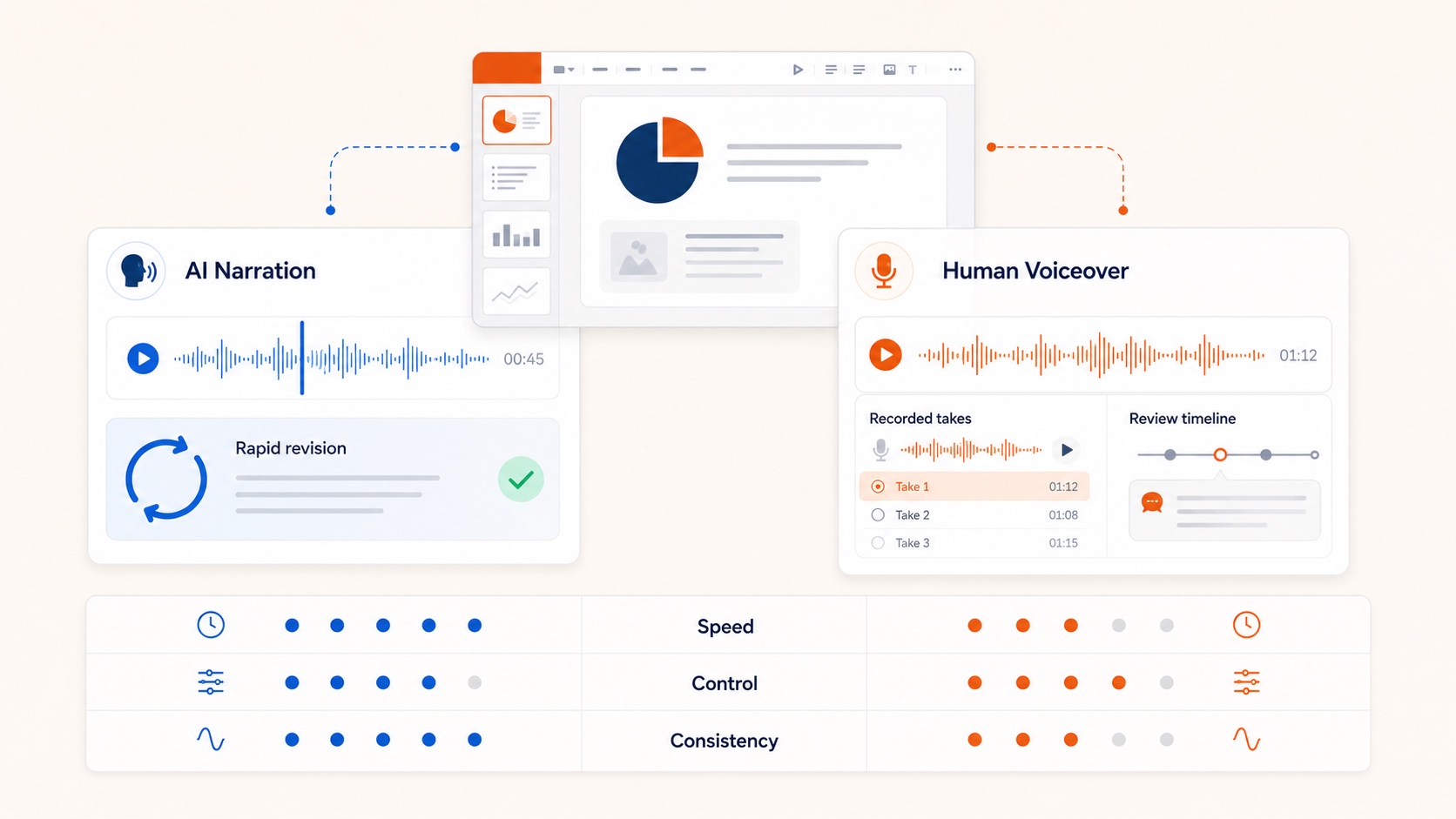
An AI PowerPoint narrator is not just text to speech. The useful version reads the deck, drafts a spoken explanation for each slide, lets a human edit the script, generates voiceover, and exports a portable video.
That is the difference between a gimmick and a production system.
What a useful AI PowerPoint narrator must do
- Understand the slide, not only the text box
Charts, screenshots, and layout matter. - Draft spoken language
Not a bullet inventory. - Keep the script editable
Approval happens in text. - Generate voice per slide
So one page can be fixed without redoing the deck. - Export MP4
Distribution needs a file, not another presentation format.
OralSlides is built around that loop. Start at the AI PowerPoint narrator page.
Where it beats manual recording
- recurring training decks
- sales follow-up videos
- onboarding sequences
- course modules that change every term
- multilingual variants of the same source deck
If revision speed matters, AI narration usually wins. If identity is the message, human voice still matters. See AI voice over for PowerPoint.
A practical narrator workflow
- Upload a stable
.pptx. - Review the generated script for accuracy and pacing.
- Tighten openings, chart explanations, and transitions.
- Choose a voice that matches the audience.
- Export MP4, with captions when viewers may watch with sound off.
For the broader conversion path, use convert PowerPoint to video and PowerPoint to MP4.
Quality bar for AI-generated narration
Reject scripts that:
- restate visible labels without interpretation
- invent claims not supported by the slide
- sound like marketing copy instead of explanation
- ignore the next-slide transition
Approve scripts that:
- state the point of the page quickly
- explain the visual
- prepare the next idea
- fit a realistic word budget
Related guides
- How to narrate a PowerPoint
- Text to speech PowerPoint
- PowerPoint speaker notes
- Add captions to presentation video
Final takeaway
Choose an AI PowerPoint narrator for production leverage, not novelty. The value is editable scripts, slide-level regeneration, and a clean path from deck to MP4.